
Your gaming sidekick
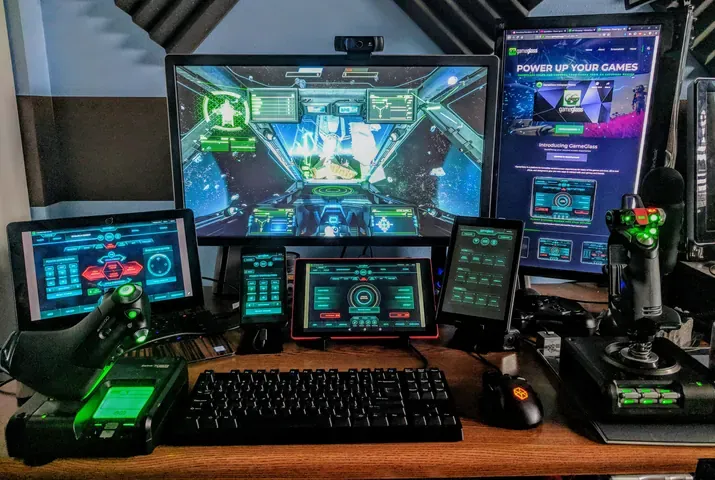
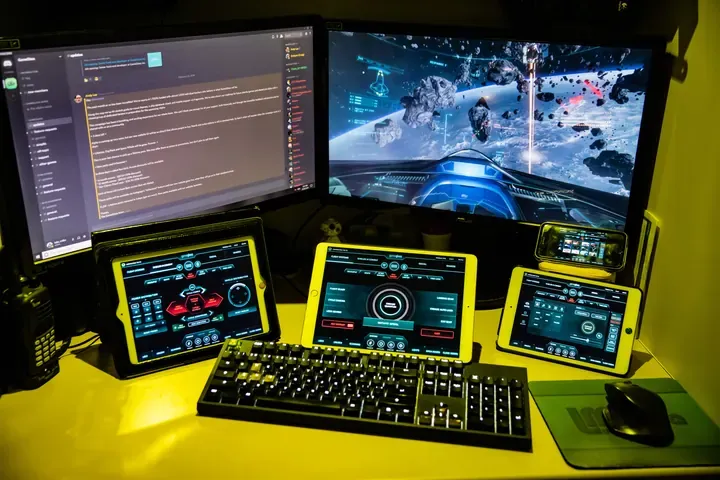
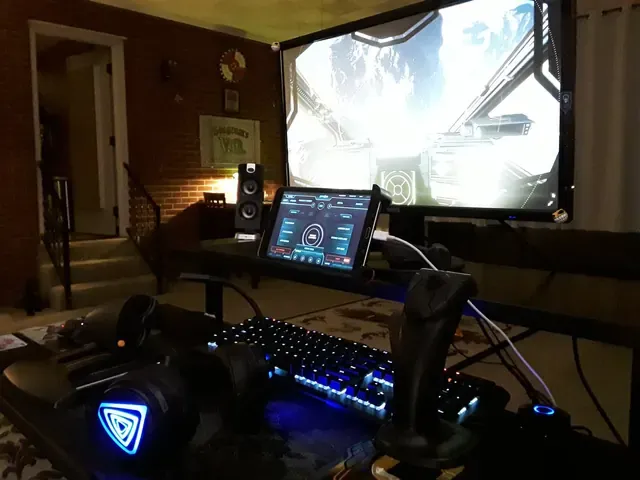
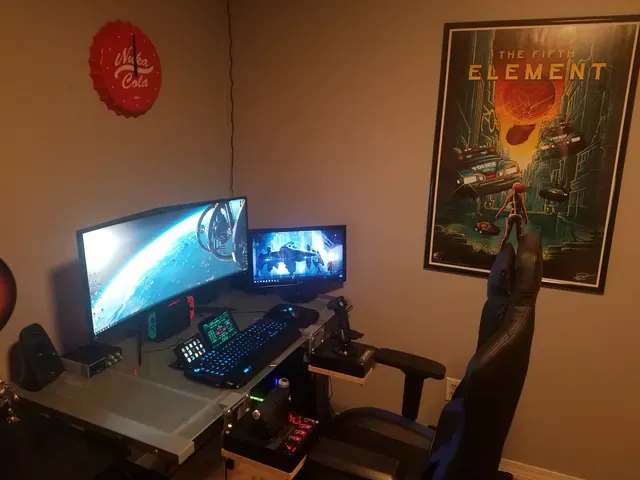
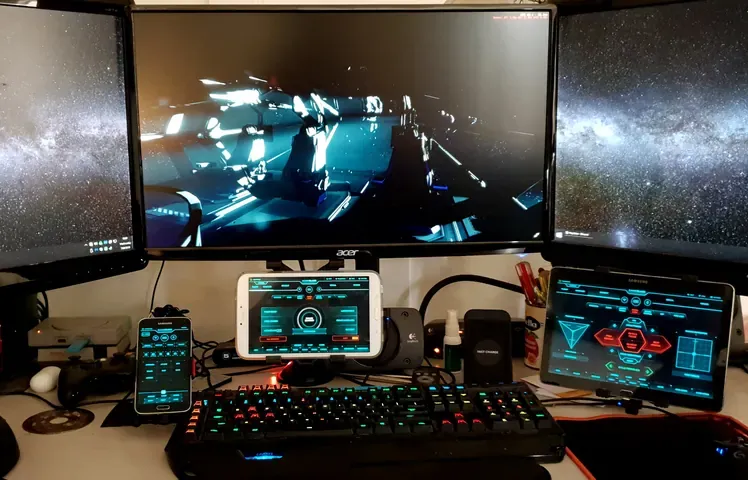
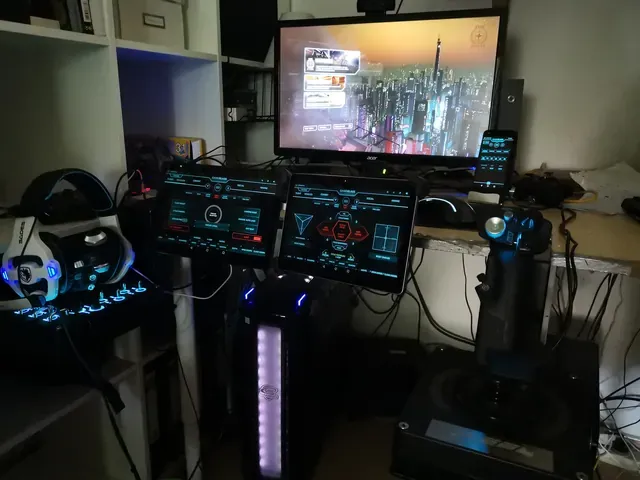
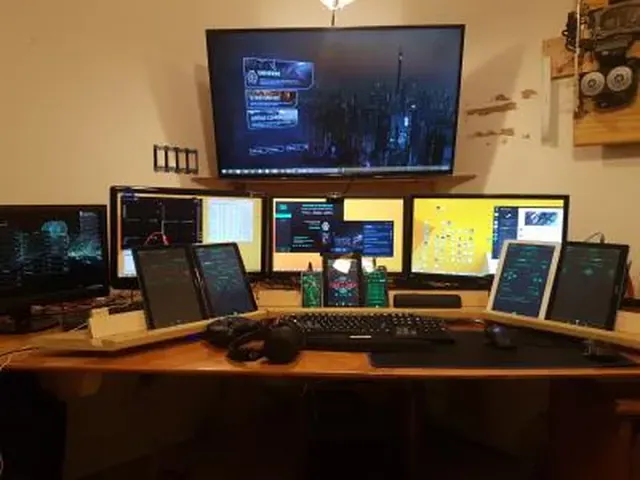
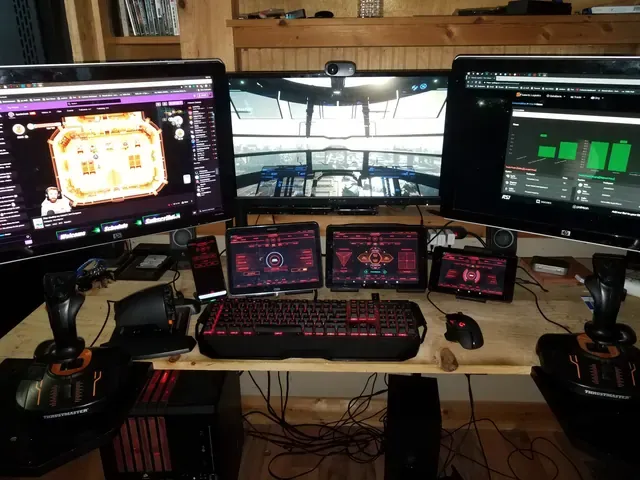
Compatible with any game and works on the phone and tablet you already own. Load them on your phone and connect to your game in 1 tap.
New ways to play the games you
with the hardware you already own.
Over 228K users and more than 250K+ compatible games.
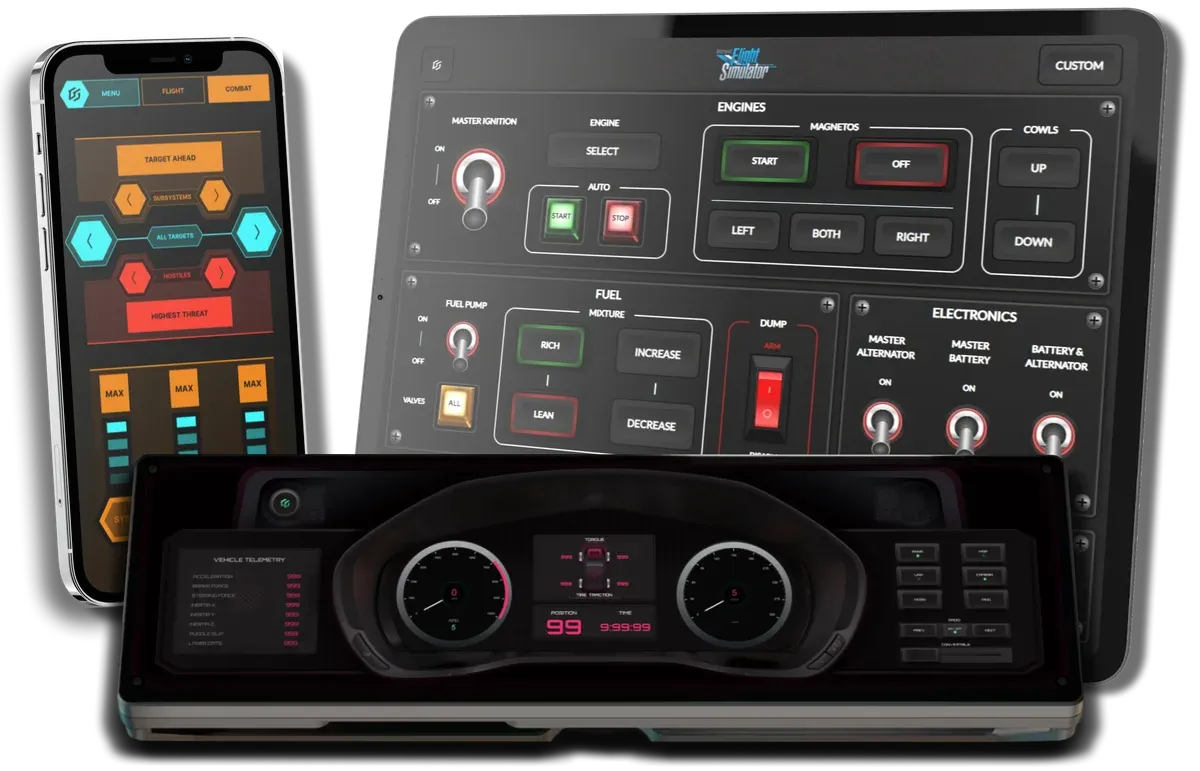
Get these control panels, plus many more, on your phone or tablet.
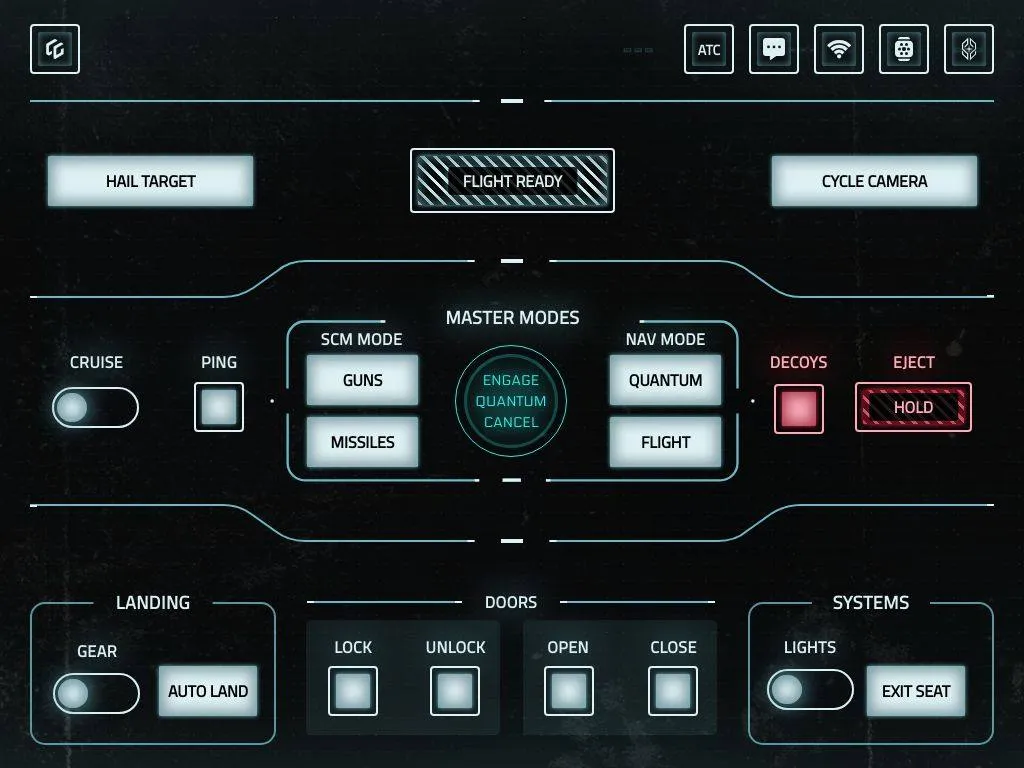
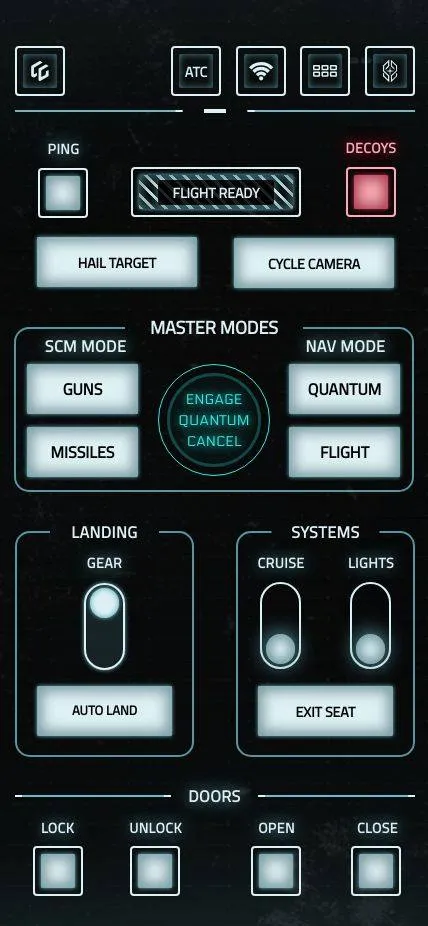
Compatible with any game and works on the phone and tablet you already own. Load them on your phone and connect to your game in 1 tap.
Switches, sliders, dials and toggles that look like they belong in your game. Tap and swipe intuitive controls with audio and animation feedback so your eyes stay on the screen.
Stop trying to remember hundreds of keybinds. Give your controls labels and actions, and view control states at a glance with dynamic switches. Every control is one tap away.
This is our small desktop app that talks to your game and your device.
Install the GameGlass app on your tablet, phone or iCue device.
Sign in to the same account on your Hub and Device and you're ready to play!
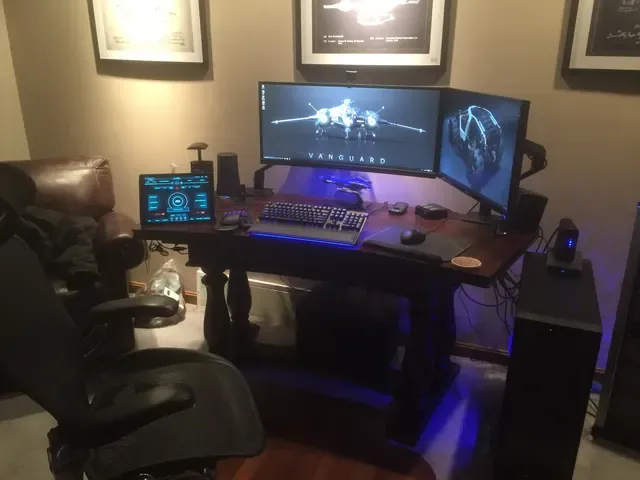
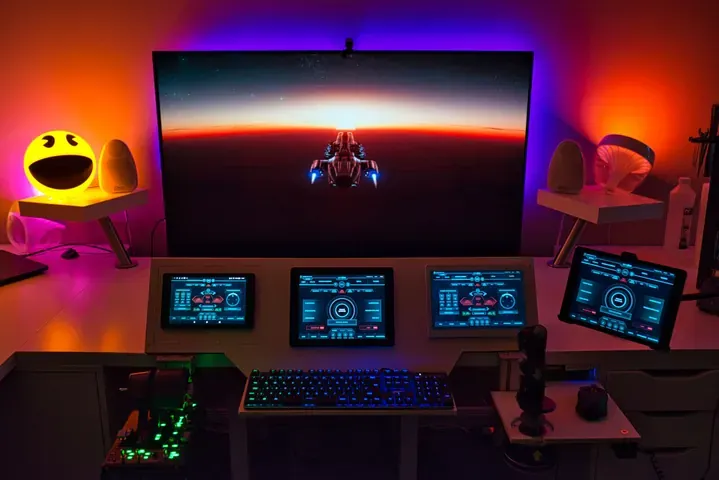
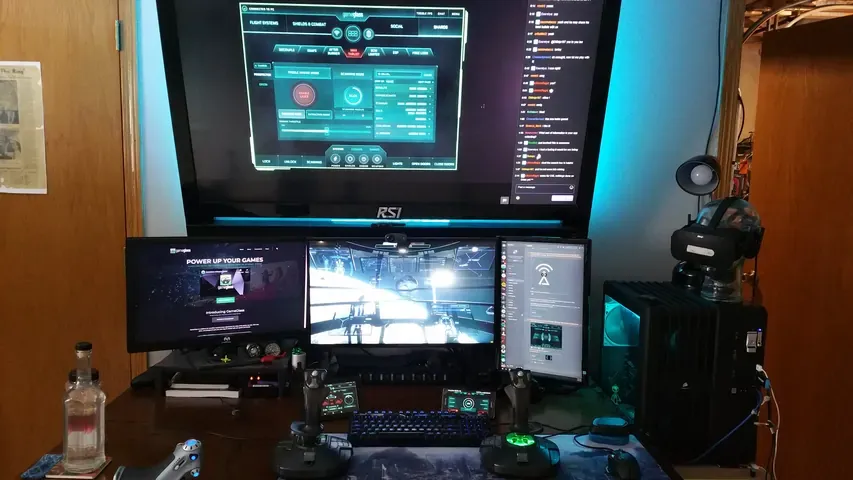
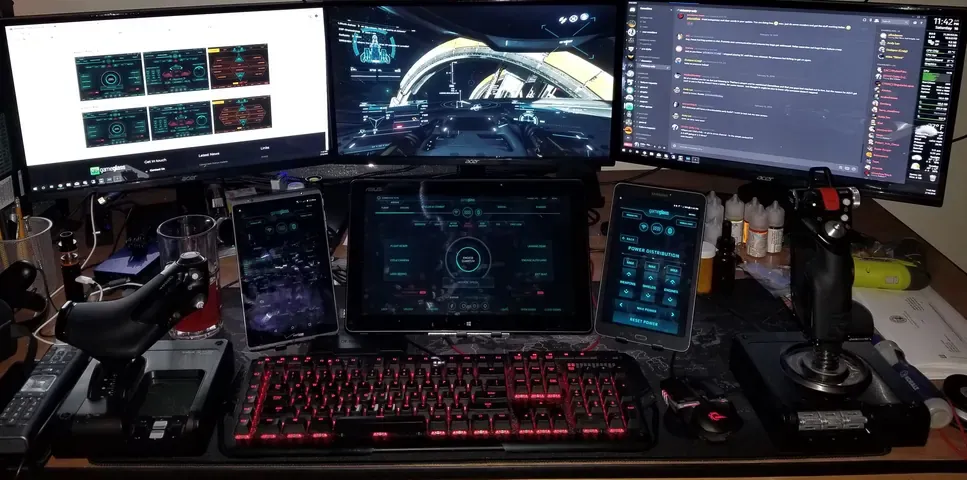
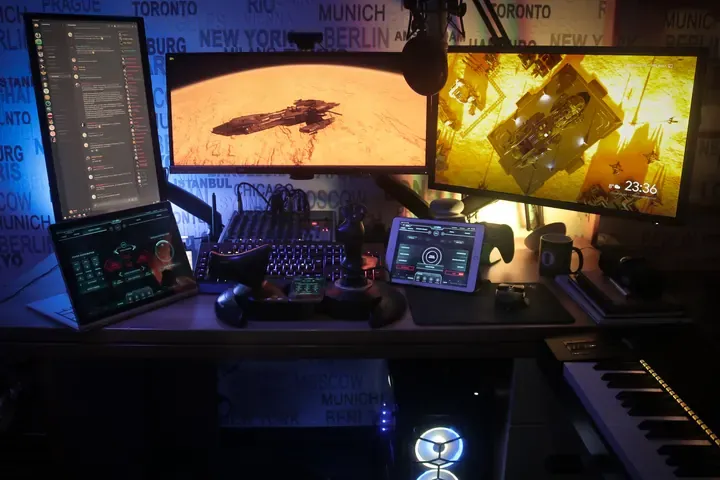
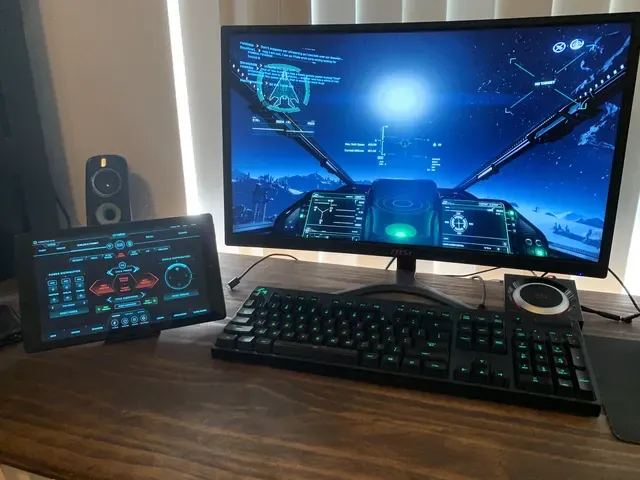
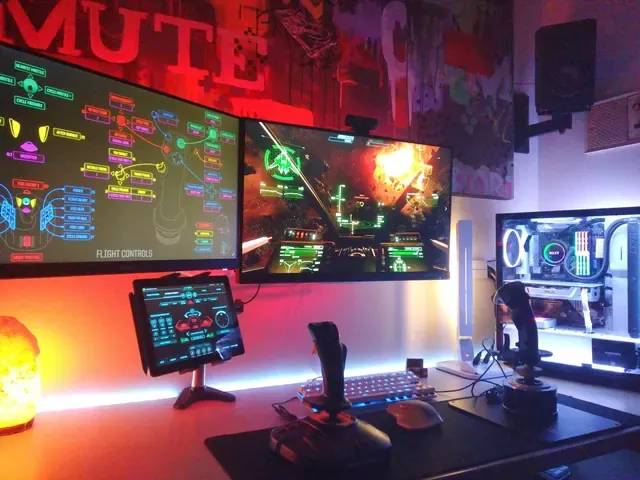
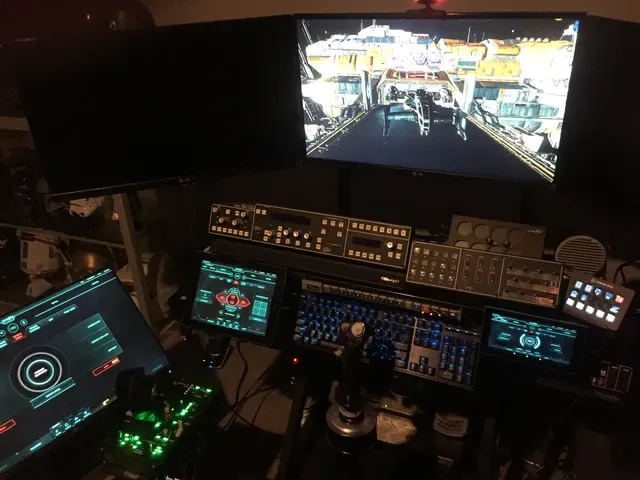
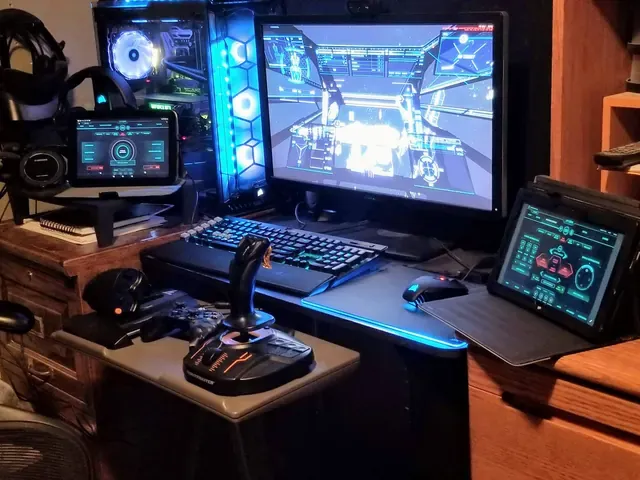
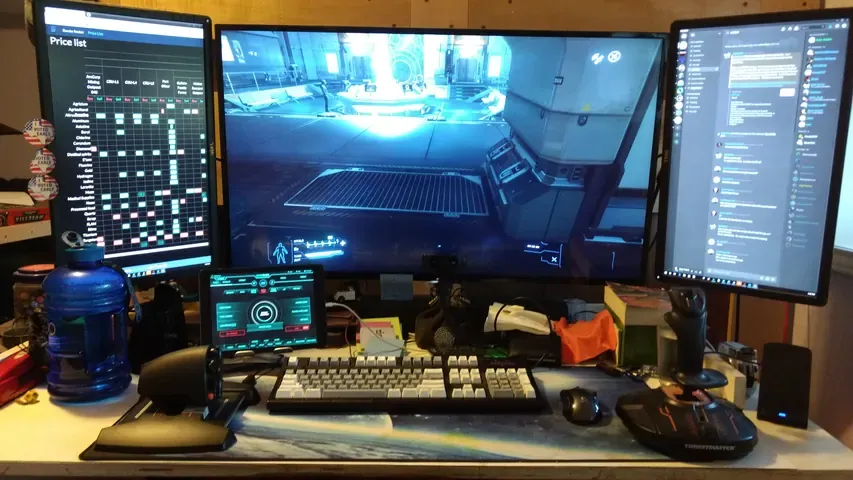
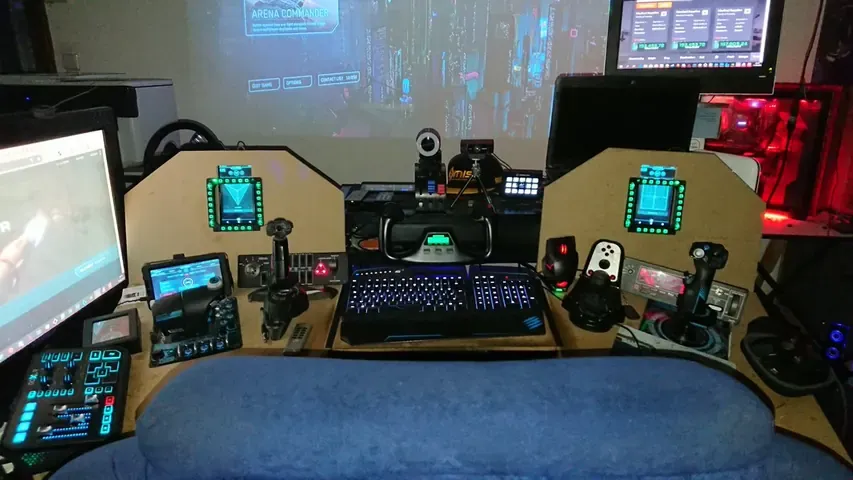
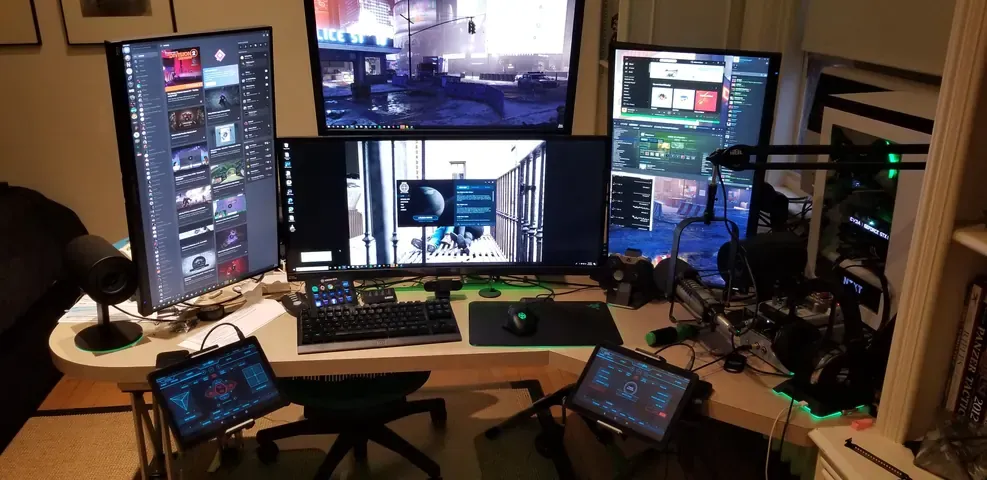
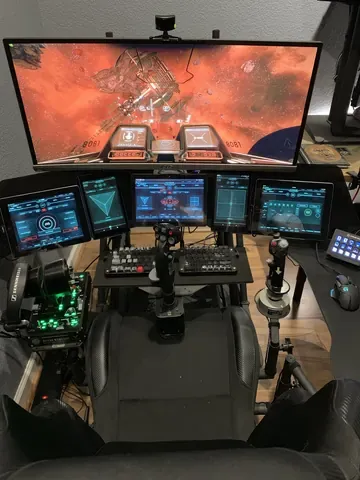
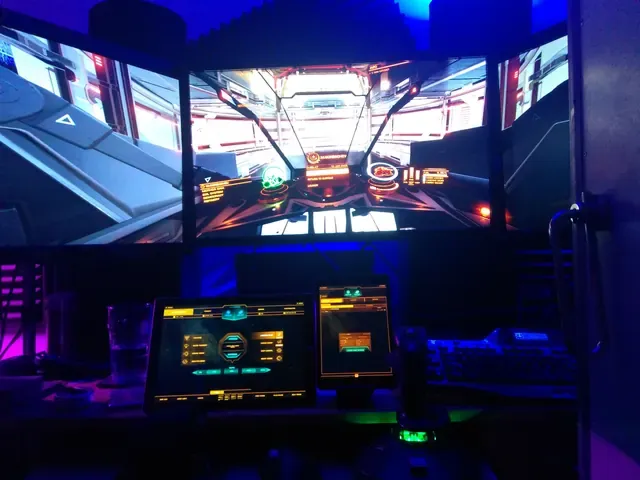
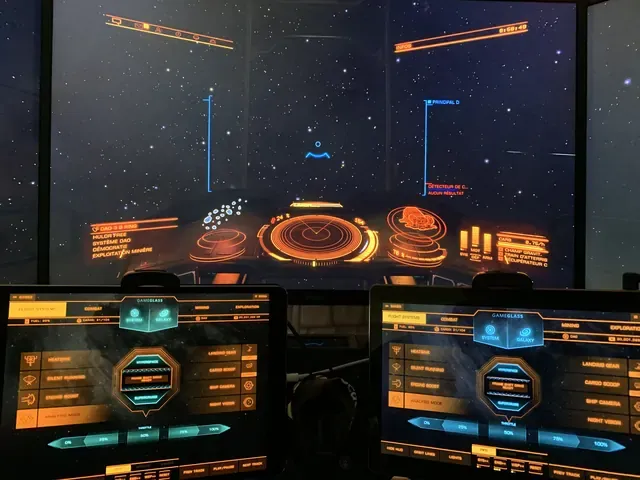
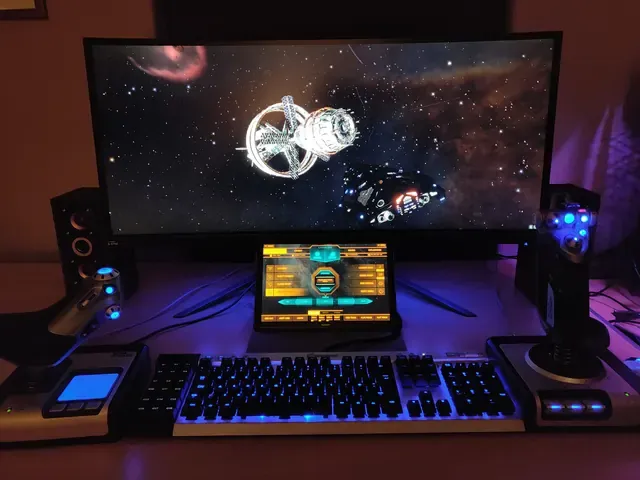
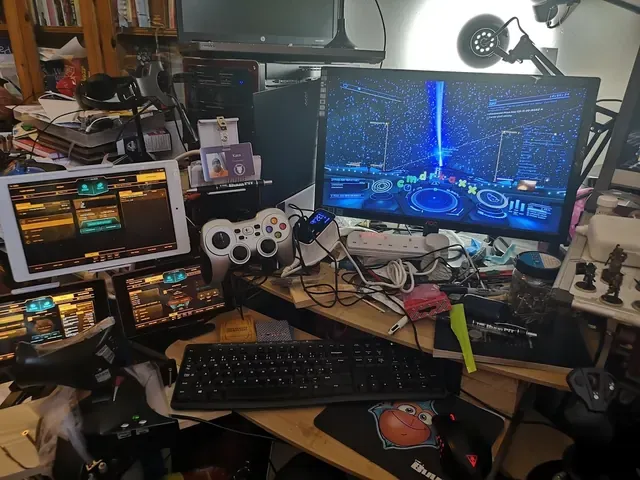
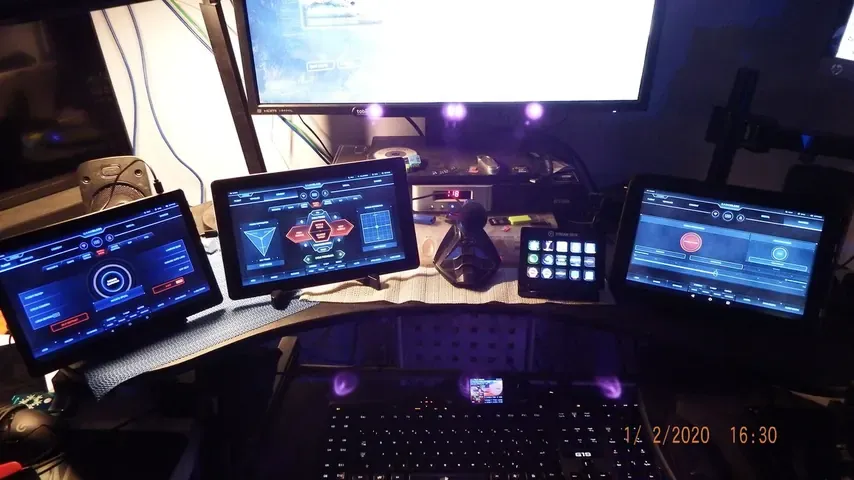
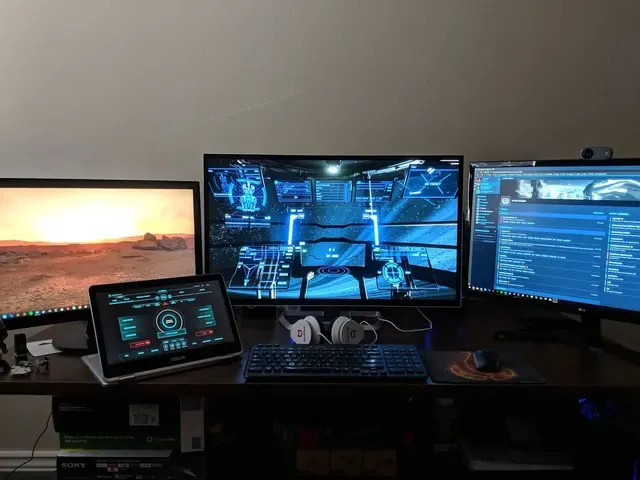
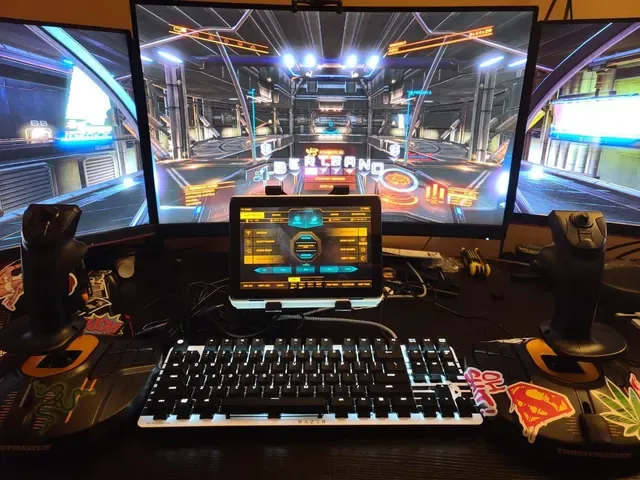
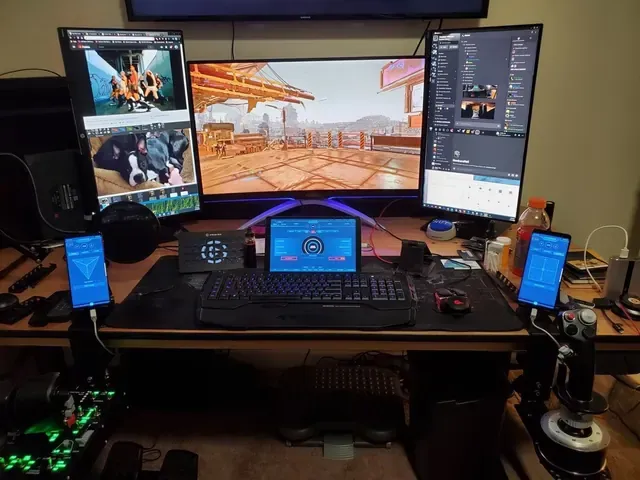
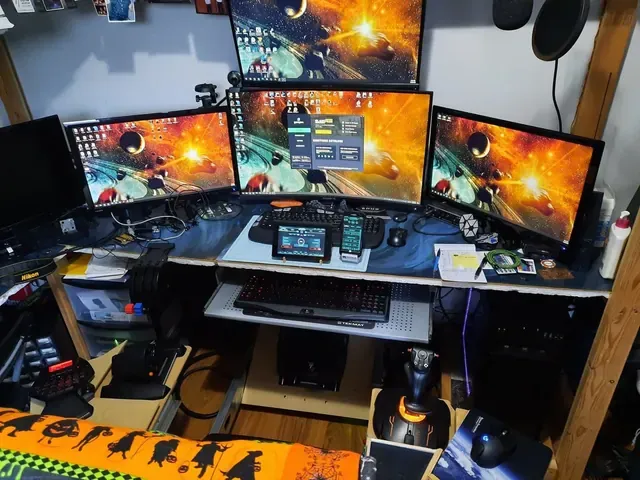
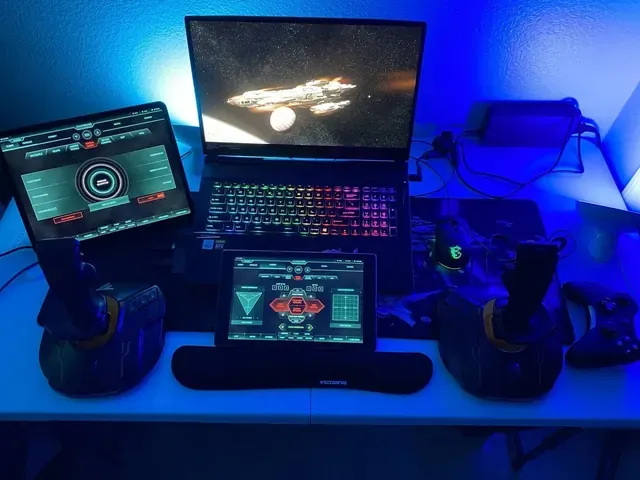
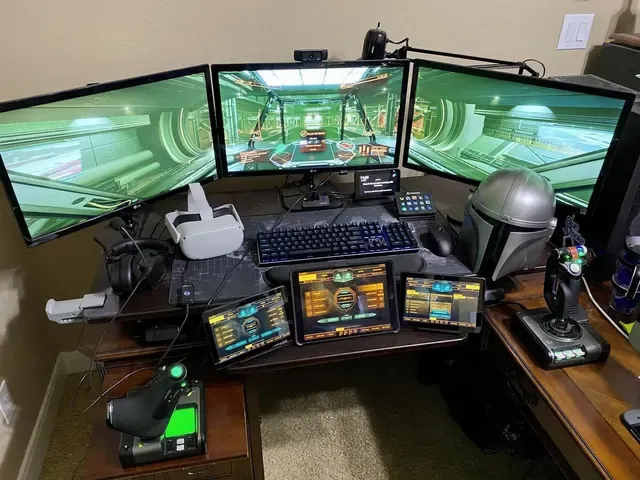
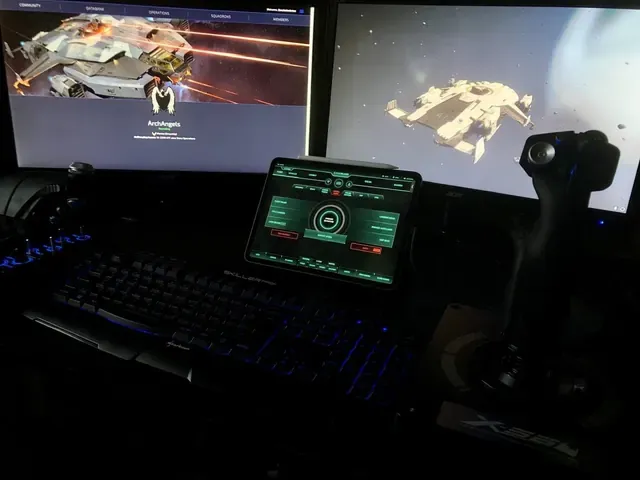
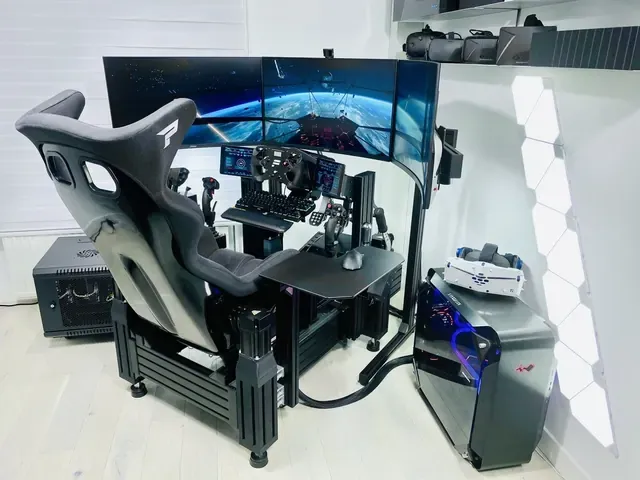
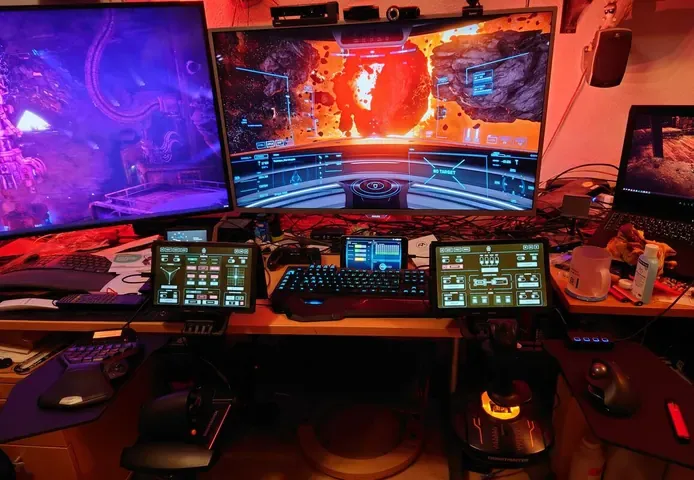
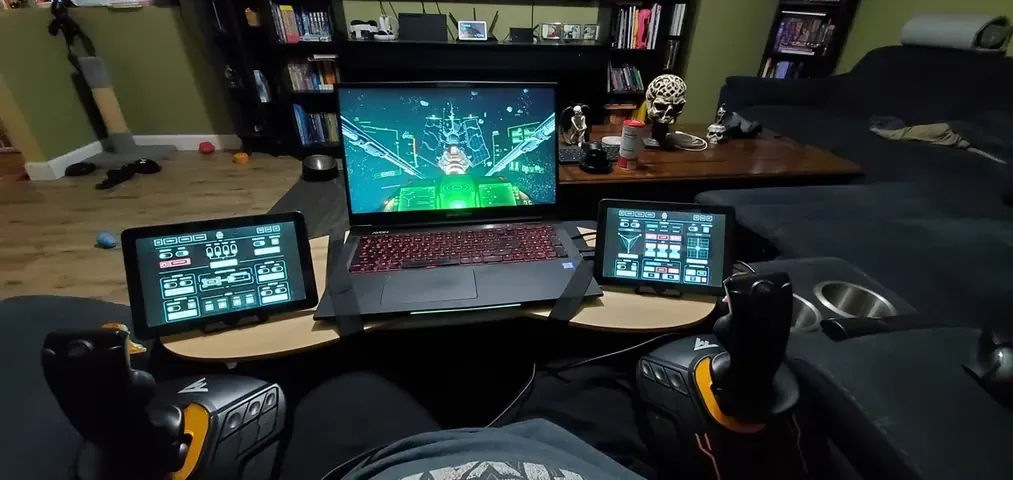
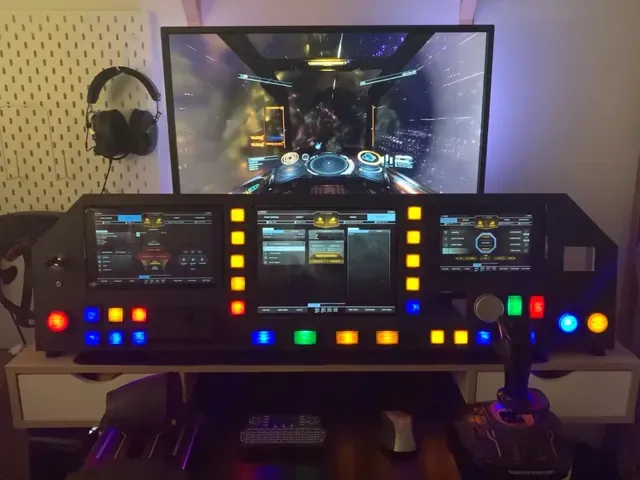
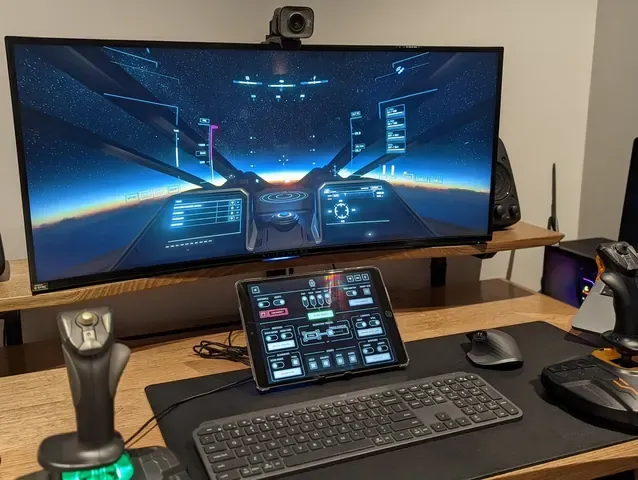
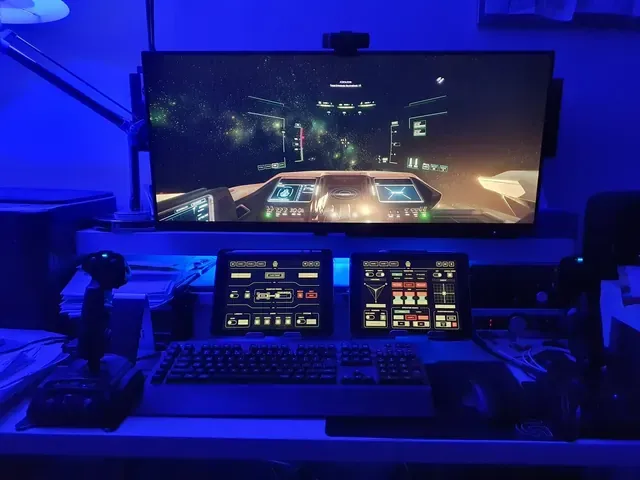
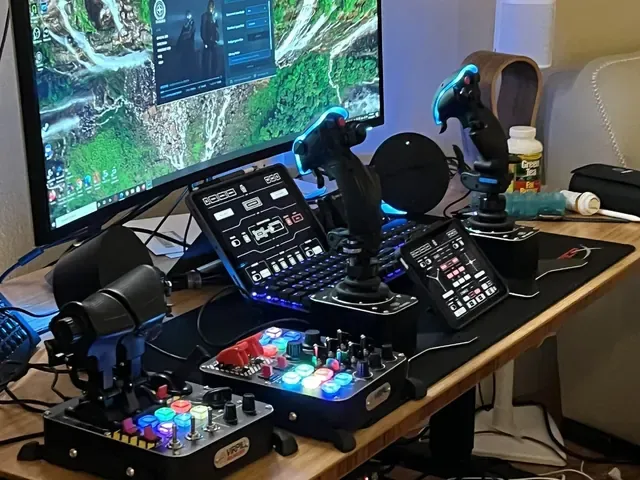
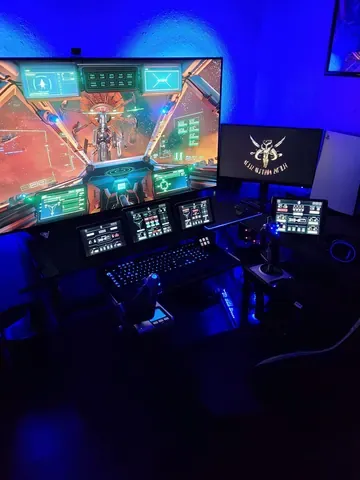
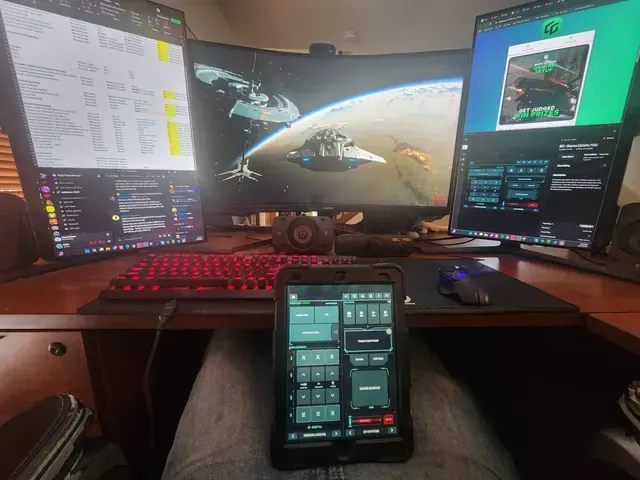
Our visual panel editor lets you pick from hundreds of components and put them where you want.
Assign actions like keybinds and sounds to your controls. Combine them into macros.
The community used it to build over 48,000 panels.
Drag & drop. No code. Easy.
Don’t see your question answered?
Ask us. A real live human being will respond. Maybe even our CTO…
Any game that uses keybinds, mouse, joystick or throttle axis inputs (including steering wheels, etc). You can also use GameGlass to easily display content like maps and lists on your phone so you don’t have to alt tab.
From the Amazon Fire tablet to the XENEON, we support the vast majority of iOS and Android devices, as well as any touchscreen device running Windows, Linux or macOS. You can always open an overlay from the Hub and drag it onto your touchscreen monitor.
Yes. There is a free Basic tier, see Pricing for the details of what’s included. We also give every new user a free 14 days of GameGlass PRO. If you choose not to subscribe to PRO after your 14 day trial you’ll automatically be moved to the free Basic tier.
Take a look at our support page, there are articles for many common questions and issues. From there you can also chat with an actual human from our team.